Free Tablet Documents Checklist 2026: ID, Address, Income & Benefit Proof
Short Answer: What Documents Do You Need for a Free Tablet Application?
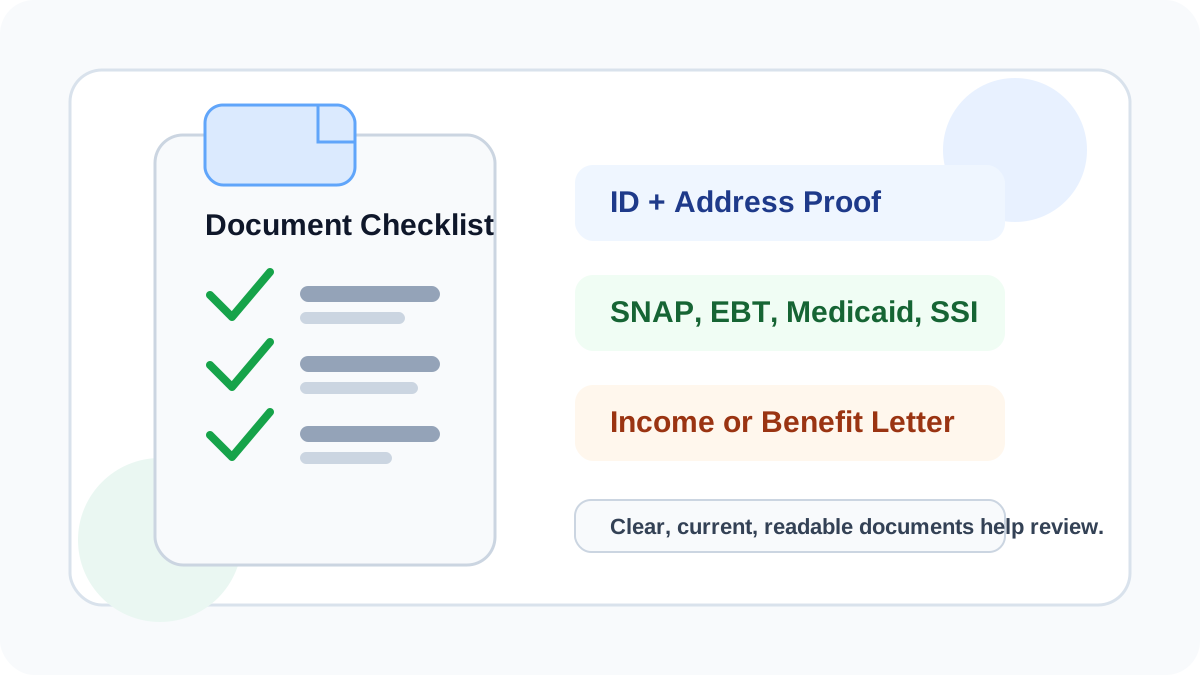
You may need proof of identity, proof of address, and proof of eligibility before a provider can review your free or low-cost tablet application. If you qualify through a benefits program, you may need a Medicaid, SNAP, EBT, SSI, housing assistance, Veterans benefit, or Tribal program document. If you qualify by income, you may need pay stubs, a tax return, or another income statement. The exact document list depends on the provider and verification process.
Before you apply for a free or low-cost tablet option in 2026, you may need documents that verify your identity, address, income, or participation in a qualifying assistance program. Common examples include a driver’s license, state ID, utility bill, benefit award letter, Medicaid proof, SNAP or EBT proof, SSI letter, pay stubs, or tax documents. Requirements vary by provider, state, ZIP code, verification method, and current offer, and submitting documents does not guarantee approval or tablet availability.
Related resource: You can also review this independent guide at Free Tablet Benefit for more general tablet benefit information.
Free Tablet Document Checklist
| Document type | What it proves | Common examples | Tips before uploading |
|---|---|---|---|
| Identity proof | Who is applying | Driver’s license, state ID, passport, government ID | Make sure name matches the application. |
| Address proof | Where the household is located | Utility bill, lease, mortgage statement, official mail | Use a current document with readable address. |
| Program participation proof | Benefit-based eligibility | Medicaid, SNAP, EBT, SSI, housing assistance letter | Show program name, applicant name, and current status. |
| Income proof | Income-based eligibility | Pay stubs, tax return, unemployment statement, Social Security statement | Use recent documents and avoid cropped pages. |
| Tribal program proof | Accepted Tribal eligibility path | Tribal TANF, BIA General Assistance, FDPIR, Tribal program letter | Provider rules may vary by program. |
| Household proof if requested | Household or duplicate benefit review | Household worksheet, shared address proof, benefit household details | Only submit if the verifier or provider asks. |
Documents by Eligibility Type
| Eligibility type | Documents that may help |
|---|---|
| Medicaid | Medicaid card, approval letter, benefits statement |
| SNAP or EBT | SNAP approval letter, EBT statement, benefits notice |
| SSI | SSI award letter or benefits statement |
| Income | Pay stubs, tax return, unemployment statement, Social Security statement |
| Tribal programs | Tribal TANF, BIA General Assistance, FDPIR, or accepted Tribal program proof |
| Veterans benefits | Veterans Pension or Survivors Benefit letter |
What Your Document Should Show
- Applicant name.
- Current address if address proof is required.
- Program name or income source.
- Issuing agency or employer.
- Current eligibility, benefit status, or recent date.
- Clear readable text.
- Full page or complete document, not cropped.
Why Documents May Be Rejected
- Blurry or unreadable image.
- Cropped document.
- Expired ID.
- Name does not match application.
- Address does not match application.
- Benefit proof is outdated.
- Income proof is too old.
- Wrong document type uploaded.
- Duplicate household or Lifeline issue.
- Provider asks for a different proof type.
How to Upload Documents Safely
Documents for Lifeline, ACP, and Tablet Offers
The Lifeline program is active and may require proof of identity, address, income, or program participation during verification. ACP is different. The Affordable Connectivity Program ended in 2024, and households stopped receiving ACP discounts after June 1, 2024.
If a provider or website still asks for ACP tablet documents, verify whether the offer is current and do not assume ACP benefits are still active. Check our ACP status page for details.
Documents Do Not Guarantee Approval
Submitting documents only helps a provider or verifier review your eligibility. Approval, device type, tablet availability, shipping, fees, and service options can still depend on provider rules, ZIP code coverage, household eligibility, inventory, and current promotions.
Important Reminder
FreeTabletNow.com is informational only. We are not the FCC, USAC, Lifeline, a government agency, provider, or tablet distributor.
Next Steps
After preparing documents, learn how to apply, check eligibility, and compare providers. You can also review Medicaid tablet options, SNAP tablet options, EBT tablet options, and the phone and tablet combo guide.
Ready to Check Your Eligibility?
Find out if you may qualify for a free government tablet through federal assistance programs.
Frequently Asked Questions
Related Guides
Sources and References
Written by
FreeTabletNow Editorial Team
Research and Content Team
The FreeTabletNow Editorial Team researches government-supported phone, tablet, and connectivity programs in the United States. Our team reviews provider updates, federal eligibility guidance, and official program documentation to create accurate, easy-to-understand resources for readers.
Reviewed by
Policy and Program Review Desk
Editorial Review and Verification
Our Policy and Program Review Desk checks content against official sources, provider terms, and public benefit rules. Every major page is reviewed for clarity, factual consistency, and alignment with our editorial standards before publication and during updates.