Free Tablet for Students 2026: School, Lifeline and Low-Income Options
Key Takeaways
- Students may be able to find free or low-cost tablet options through schools, colleges, libraries, nonprofits, low-incom...
- FreeTabletNow.com is an informational website only. It is not a school, government agency, FCC, USAC, Lifeline, or table...
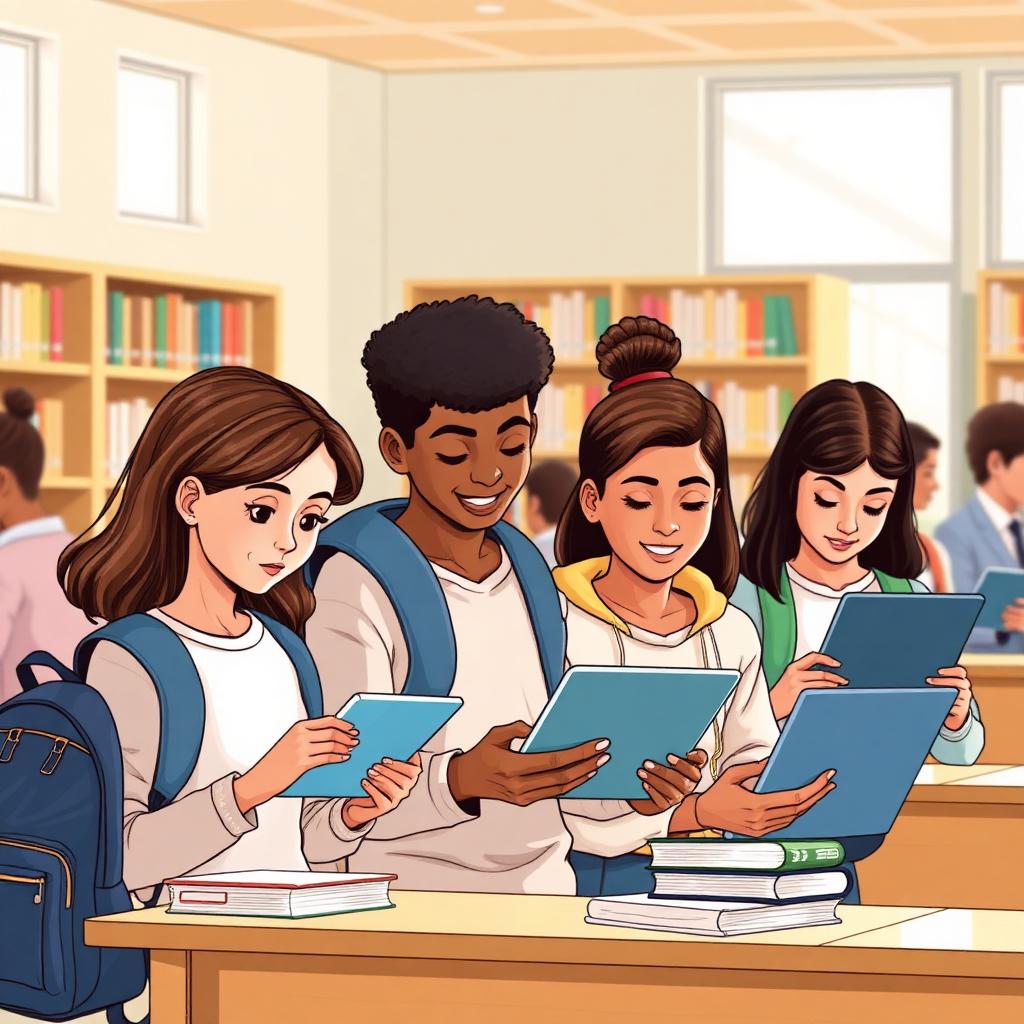
Students may be able to find free or low-cost tablet options through schools, colleges, libraries, nonprofits, low-income provider offers, or household eligibility programs, but there is no guaranteed federal free tablet program for every student. Availability depends on school funding, student enrollment, household eligibility, ZIP code, provider rules, documents, inventory, and current offers. This guide explains the safest places to check first and what students or parents should prepare before applying.
FreeTabletNow.com is an informational website only. It is not a school, government agency, FCC, USAC, Lifeline, or tablet provider.
Related next steps: To move from eligibility research to action, use FreeTabletNow.com, application steps, required documents, and provider options. Offers can vary by provider, ZIP code, eligibility, documents, stock, and current promotions.
Short Answer: Can Students Get a Free Tablet in 2026?
Some students may qualify for free or discounted tablet help, but it is not guaranteed. The best places to check are the student's school or college, district technology office, financial aid office, public library, local nonprofits, and low-income connectivity providers. A student's household may also qualify through programs such as SNAP, Medicaid, SSI, income-based rules, or Lifeline program, but Lifeline does not guarantee a tablet.
Student Tablet Options at a Glance
The table below compares the main paths students and families can check. Each option has its own rules, limits, and approval process.
| Option | Who it may help | What to check |
|---|---|---|
| School or district device program | K-12 students who need a device for schoolwork | Ask whether the device is borrowed, free, discounted, or must be returned |
| College technology support | College students with class or financial need | Ask financial aid, student services, or the technology office |
| Library device lending | Students needing temporary internet or device access | Check lending rules, return dates, and availability |
| Nonprofit device programs | Low-income students or families | Check eligibility, documents, fees, and inventory |
| Lifeline or provider offers | Eligible low-income households | Lifeline may lower phone or internet costs but does not guarantee a tablet |
Can Students Get a Free Tablet in 2026?
There is no single nationwide free tablet program for all students in 2026. Instead, student tablet help is a mix of school district device programs, college financial aid technology support, local library or nonprofit lending, low-income provider offers, and household-based eligibility through programs like Lifeline.
Because every school, district, and provider sets its own rules, two students with similar situations may see very different results. Always check directly with the school, college, library, nonprofit, or provider before assuming a tablet is on the way. You can also check eligibility for household-based programs.
School Tablet Programs and Student Device Help
K-12 schools may lend Chromebooks, tablets, or laptops depending on district funding. Devices are often loaners that must be returned at the end of the school year.
Colleges may offer emergency technology grants, loaner laptops or tablets, or financial aid adjustments through the financial aid office, student services, or campus technology office.
Libraries may offer hotspot or device lending programs, especially in areas with digital access initiatives. Lending periods and rules vary by branch.
Before accepting any device, students or parents should ask whether the device is free, discounted, loaned, insured, or must be returned, and what happens if the device is lost or damaged.
Student Tablet Options to Check
Here is a scannable list of places students and families can check first:
- School or district technology office: Ask about K-12 device lending, take-home tablets, or Chromebook programs.
- College financial aid office: Ask about emergency aid, technology grants, or laptop and tablet loaner programs.
- Student support services: Ask about disability services, TRIO, or campus equity programs that may include devices.
- Public library device lending: Check for tablet, laptop, or hotspot lending and waitlists.
- Local nonprofits and community action agencies: Some refurbished device or digital inclusion programs serve low-income families.
- Lifeline or low-income provider offers: Eligible households may [compare providers](/providers) for phone or internet discounts. Tablet offers vary.
- Refurbished device programs: National or regional nonprofits may sell refurbished tablets or laptops at low cost to eligible students.
Can College Students Get Help Buying a Tablet?
Some college students may ask financial aid offices about technology expenses, especially when a tablet or laptop is required for classes.
Support may come through emergency aid, grants, loaner programs, or school-specific funds. Rules vary by school, and not every campus has the same options.
Pell Grant or federal financial aid eligibility may help show financial need, but it does not automatically provide a free tablet. Students should ask the financial aid office directly and review low-income tablet options as a backup.
Can K-12 Students Get a Tablet from School?
Some school districts provide devices for learning, including tablets, Chromebooks, or laptops. Availability depends on district funding and inventory.
In most cases, devices are loaned, not owned. Parents should ask about return rules, damage fees, internet access at home, and replacement policies before signing any agreement.
Families that need home internet may also want to review Lifeline program eligibility for service discounts, though Lifeline does not guarantee a tablet.
Who May Qualify for Student Tablet Options?
Student enrollment may be required for school-based programs. Schools and colleges usually verify enrollment before lending a device.
Household income or assistance program participation may matter for provider and nonprofit options. Accepted household programs may include SNAP, Medicaid, SSI, Federal Public Housing Assistance, Veterans Pension or Survivors Benefit, or certain Tribal assistance programs.
Eligibility does not guarantee approval, tablet availability, ownership, or shipping. A school, provider, or local program may still check enrollment status, household income, address, documents, ZIP code availability, and current stock. Review Medicaid tablet options and food stamps and SNAP eligibility for household-based paths.
How Students Can Check Tablet Options
Use these numbered steps to move from research to action:
- Ask the school first: Contact the school, district, college, or financial aid office before assuming any tablet program exists.
- Check local library or nonprofit device programs: Library and community lending programs sometimes fill gaps when school options are limited.
- Review household eligibility: Look at whether the household may qualify for Lifeline or low-income provider offers based on income or assistance programs.
- Prepare documents: Gather enrollment, ID, address, income, or benefit documents. See the [required documents](/documents) checklist.
- Compare provider options by ZIP code: Not every provider serves every ZIP code, and not every provider offers tablets.
- Confirm device terms: Confirm whether the device is free, discounted, loaned, rented, or must be returned.
- Review fees and rules: Check fees, shipping, activation, service plan, replacement, and return rules before submitting an application.
Documents Students May Need
Document needs vary by school, college, nonprofit, or provider. The table below shows common categories.
| Document type | What it proves | Examples |
|---|---|---|
| Student enrollment proof | That the student is currently enrolled | School ID, enrollment letter, class schedule, student portal record |
| Student or parent/guardian ID | Identity of the applicant or guardian | State ID, driver's license, passport, birth certificate |
| Address proof | Residential address and ZIP code | Utility bill, lease, school record, official mail, benefits letter |
| Household income proof | Income-based eligibility | Pay stubs, tax return, unemployment statement, benefits statement |
| Program participation proof | Household participation in an accepted assistance program | Medicaid, SNAP, SSI, EBT, or other benefit award letter |
| Financial aid or school support proof if requested | School-side technology need | Pell Grant award letter, FAFSA confirmation, financial aid statement |
Student Tablet Scams to Avoid
Avoid websites that promise every student a free tablet. Real programs have eligibility checks, location limits, and inventory limits.
Avoid 'guaranteed approval' pages, instant tablet pop-ups, or ads that pressure students or parents to act immediately.
Do not submit Social Security numbers, IDs, school login credentials, SNAP cards, Medicaid information, or income documents to unknown sites.
Verify the school, provider, or nonprofit before uploading any documents. Confirm the URL, look up the organization separately, and avoid links sent through unsolicited texts or social media.
Be careful with old ACP student tablet claims. ACP discounts ended on June 1, 2024. Review the current ACP status before trusting any claim.
Check whether the device is a loaner, a discount, a phone, a SIM card, a service plan, or an actual tablet before agreeing to anything.
Students, Lifeline, and ACP in 2026
Lifeline is active in 2026 and may help eligible low-income households reduce phone or internet service costs. A student's household may qualify through income or accepted assistance programs, but Lifeline does not guarantee a free tablet for every student. Learn more on the Lifeline program page.
The Affordable Connectivity Program is different. ACP ended in 2024, and households stopped receiving ACP discounts after June 1, 2024. Do not rely on old ACP student tablet ads or pages as if the program is active. Review the current ACP status for accurate information, and explore phone and tablet options or state guides for active alternatives.
Check Student Tablet Options Safely
Check whether your household may qualify for Lifeline, school-based device help, local nonprofit support, or low-income provider offers. Approval and tablet availability are not guaranteed.
Frequently Asked Questions
Related Pages
Sources and References
Written by
FreeTabletNow Editorial Team
Research and Content Team
The FreeTabletNow Editorial Team researches government-supported phone, tablet, and connectivity programs in the United States. Our team reviews provider updates, federal eligibility guidance, and official program documentation to create accurate, easy-to-understand resources for readers.
Reviewed by
Policy and Program Review Desk
Editorial Review and Verification
Our Policy and Program Review Desk checks content against official sources, provider terms, and public benefit rules. Every major page is reviewed for clarity, factual consistency, and alignment with our editorial standards before publication and during updates.